Goodweek launches Document mode: AI that writes the report, not just the reply
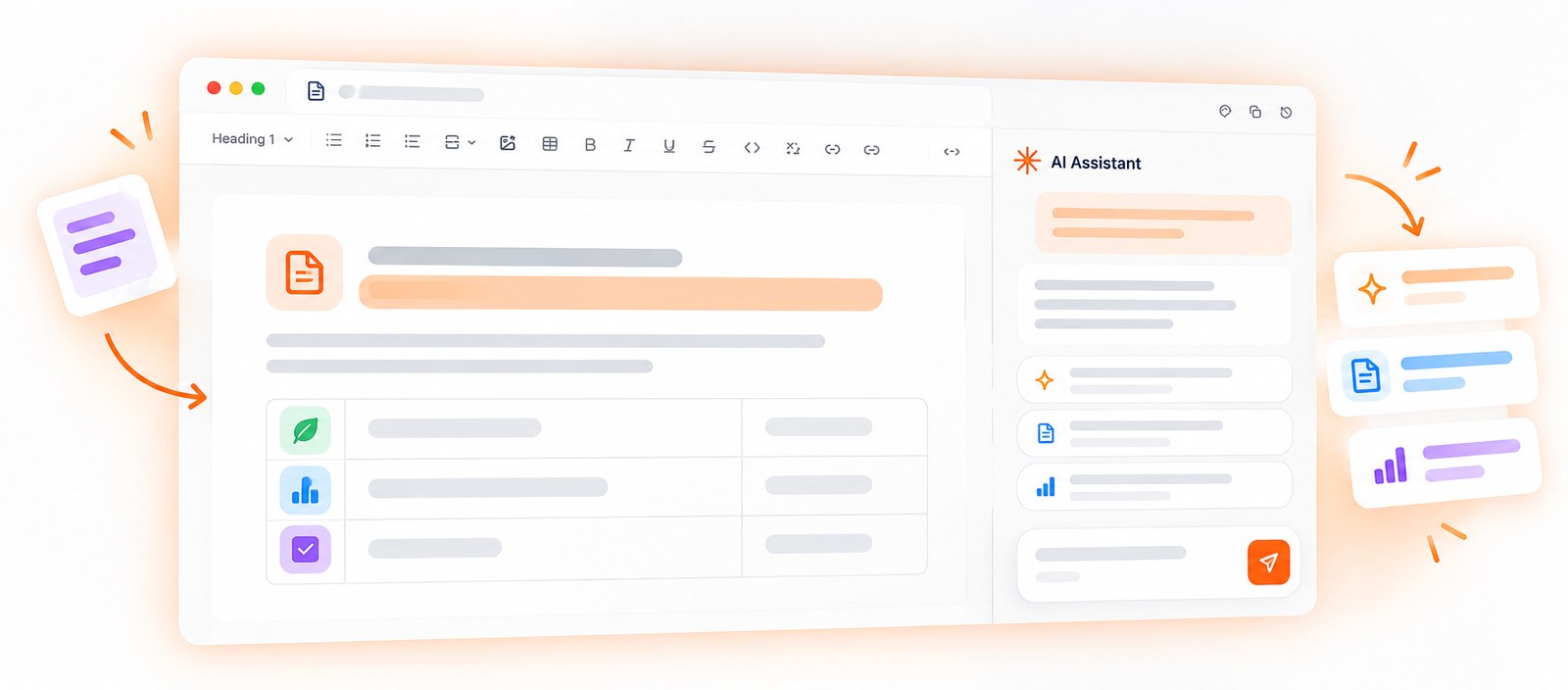
Ask most AI tools for a report and you get a chat message: a good start, but you still have to copy it, format it, and rebuild it in Word before anyone else can read it. That is the gap we kept hearing about from teams, and it is the one Document mode is built to close.
Since October 1, a project in Goodweek can be a document instead of a conversation. The AI writes a structured document directly in a canvas. From there, you can edit it yourself, select a passage for a quick fix, or ask the AI to rewrite a section, and everything saves as you go. When it is ready, one click exports it to Word or PDF with its structure and formatting intact.
We wanted it to feel like working on a real document, not reading a chat transcript. You can move back and forth through earlier versions, lay the text out in real pages with headers, footers, and page numbers that Goodweek can fill in for you, and tell at a glance in your history which projects are chats and which are documents. A text file generated in a chat can also be reopened as a full document.
For small and mid-sized teams, it is the difference between thinking with AI and holding something you can actually send: the report, the memo, or the summary the work called for.
It also opens a new conversation for the MSPs who deploy Goodweek. A Word or PDF file that a client can open and read makes the value of AI visible, instead of leaving it inside a chat window. MSPs can even preset an Action to open in document mode by default, straight from Space templates.
Everything else stays the same. Chats, Spaces, and Actions work as before, documents stay private to their author just like chats, and the governance MSPs already manage, such as allowed and blocked models and integration controls, applies in the same way.
Document mode is live now in Goodweek.
Ready to see Goodweek in action?
Book a Demo→